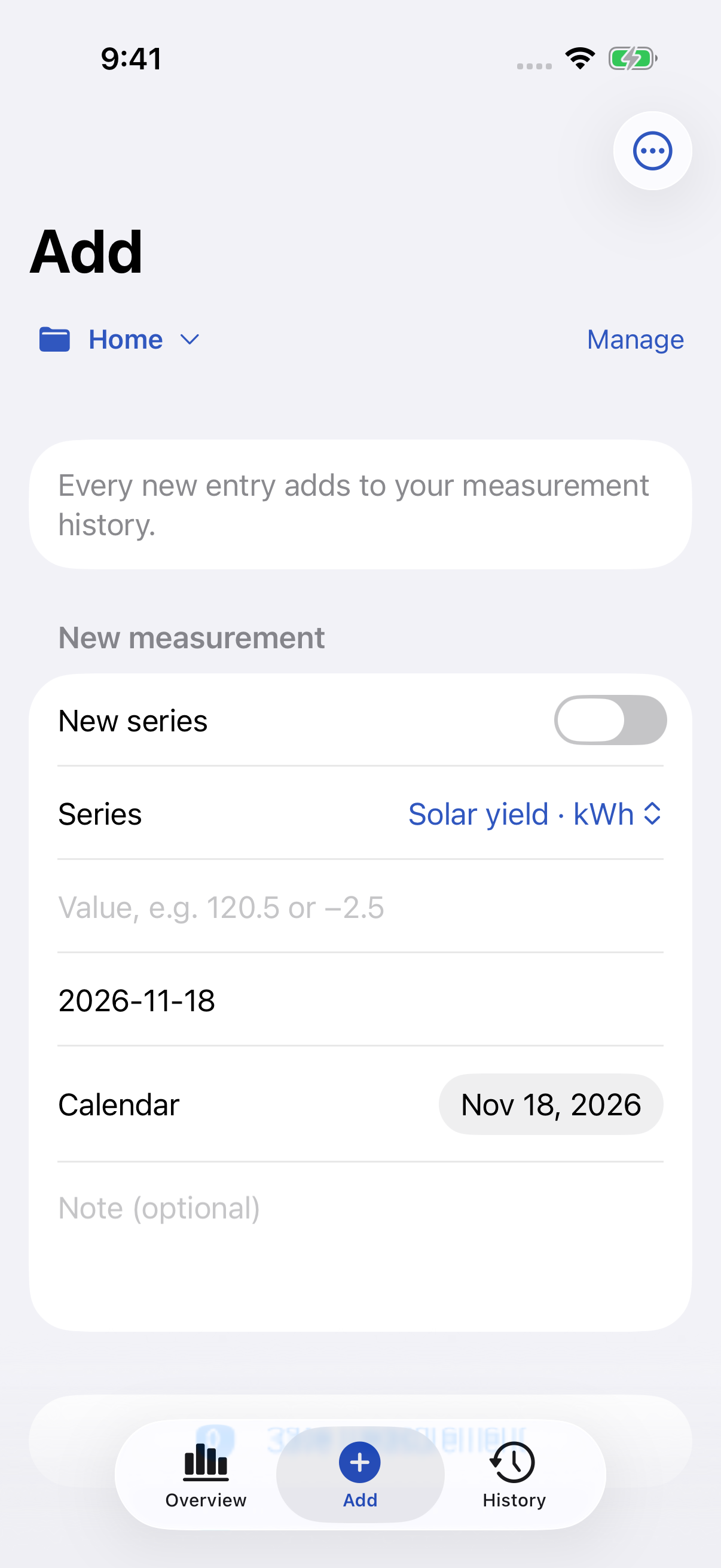
Capture the moment.
Save a value with a calendar date and an optional note. Keep related entries together in named series.
 Measurement Tracker
YOUR NUMBERS, MADE CLEAR
Turn everyday measurements into a history you can understand. A number, a date, a note — and the changes that connect them.
App Store release in preparation.
A new installation is completely empty. No preset readings, series or saved groups. Create the collection that makes sense to you.
Record household meter readings, workshop measurements or other numbers you want to follow. Values are entered manually; no external hardware is connected.
FROM A READING TO A HISTORY
Save a value with a calendar date and an optional note. Keep related entries together in named series.
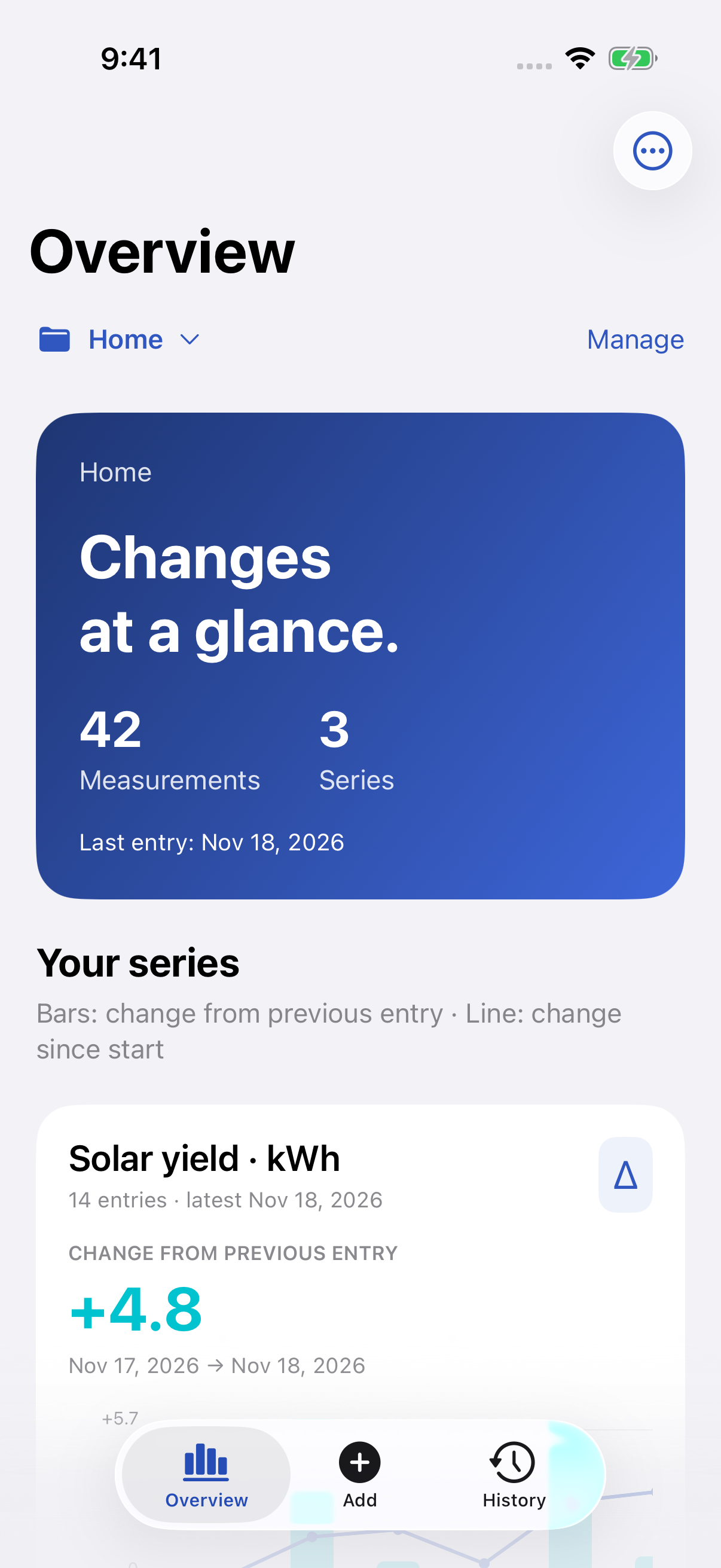
Create groups for home, work or your own projects. Move whole series without losing their history.
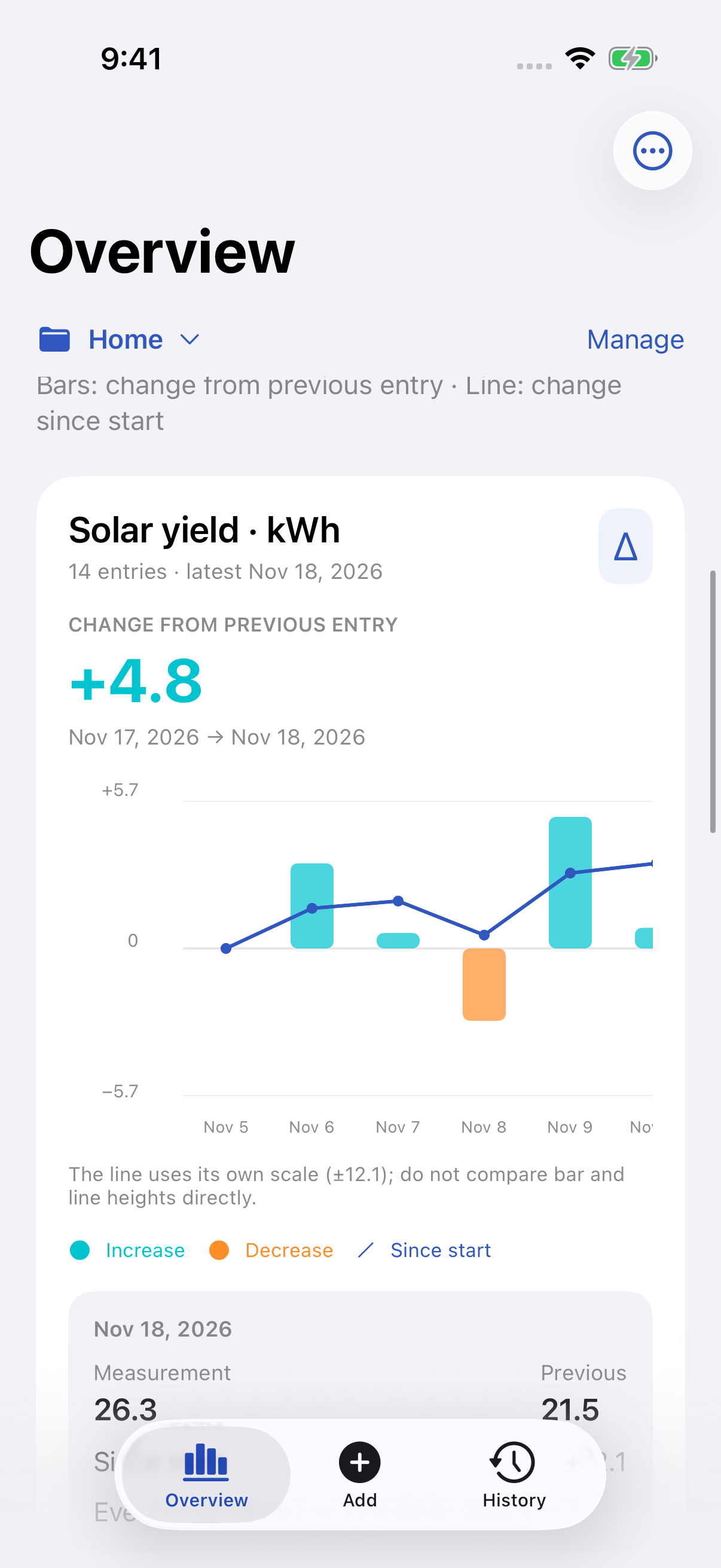
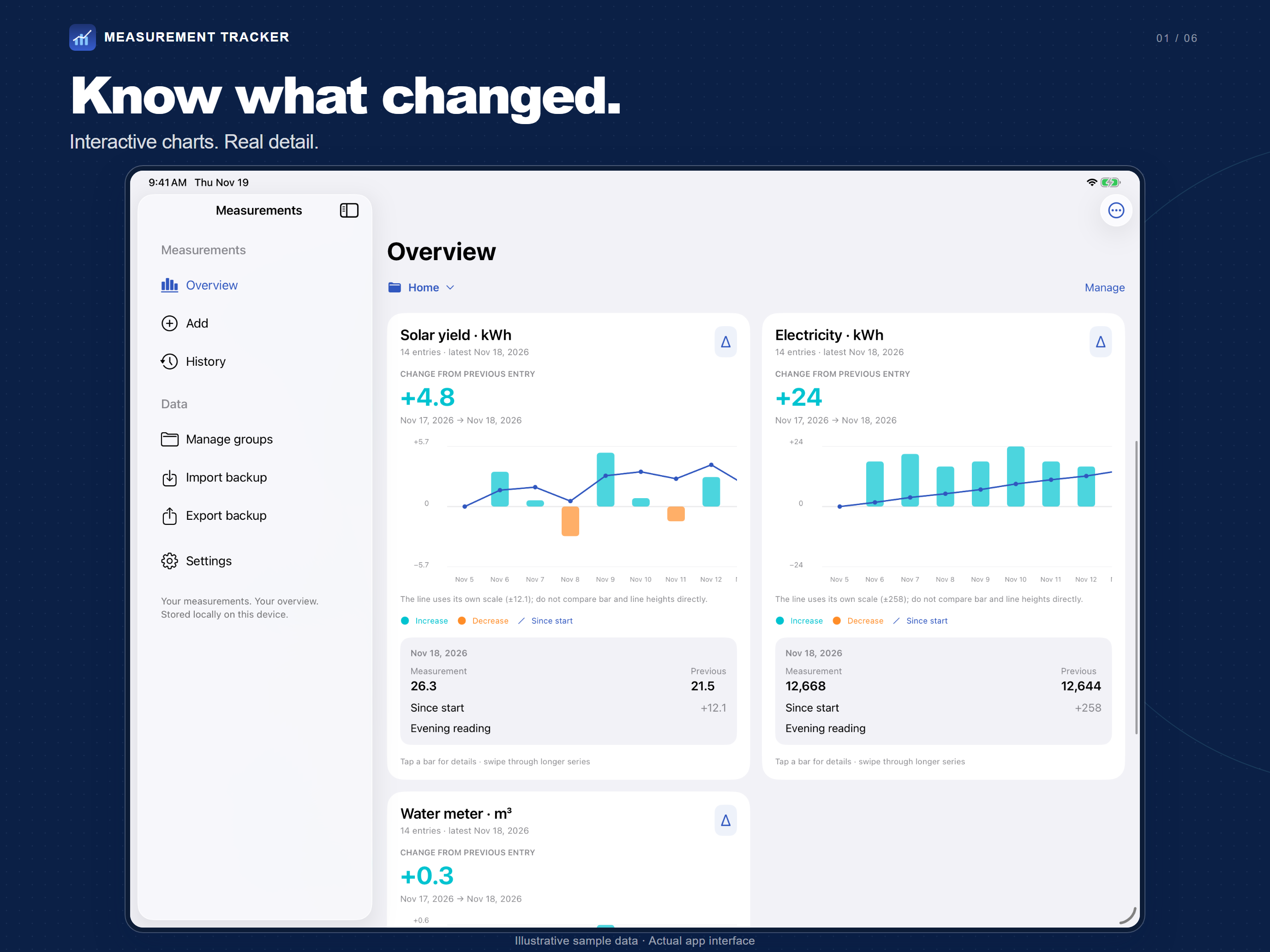
Bars show the change from the previous reading. The line shows change since the start. Tap a bar for the numbers behind it.
Screens show illustrative sample data. Your installation starts empty. Bars and lines use separate scales, explained in the app.
ROOM TO SEE MORE
Tabs on iPhone. A spacious sidebar on iPad. Switch between English and German in Settings, whenever you like.
YOUR COLLECTION, UNDER YOUR CONTROL
Export your groups and readings as a JSON backup. Restore a supported backup after checking its contents. Import replaces the current collection and creates a local safety copy first.
No account, advertising or third-party analytics in the app. No automatic sync between devices.
Read about privacy and dataChoose where to save or share it using the iOS share sheet. Device backups follow your iOS settings.
Backup & restore guideA LITTLE HELP GOES A LONG WAY
Find quick answers, learn the charts, or get in touch.